App Localization: Best Practices for Telugu Mobile Apps in 2026
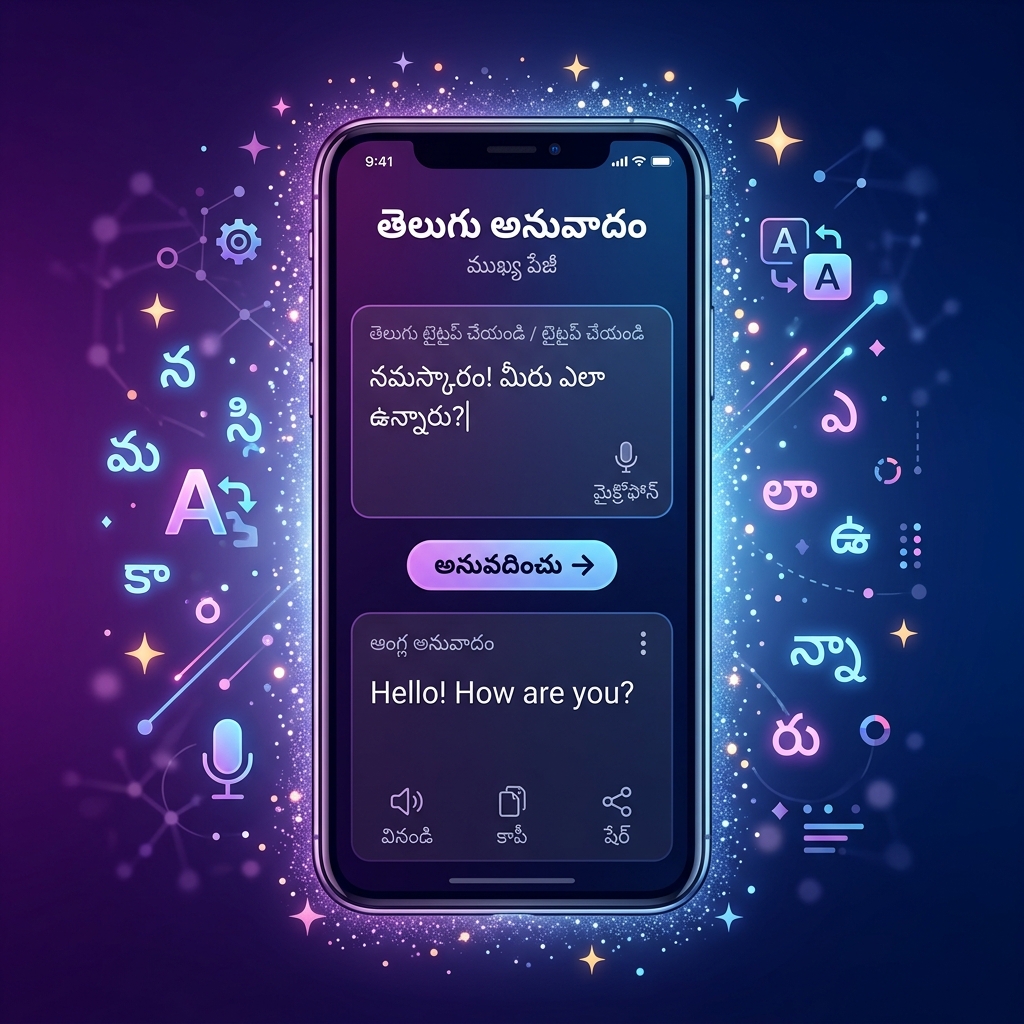
With massive smartphone penetration across Andhra Pradesh and Telangana, localized app experiences are no longer optional — they are a primary driver of user acquisition and retention. However, developing a mobile application that supports Telugu involves much more than simply running your string resources through Google Translate.
Telugu is a complex script requiring sophisticated text shaping engines, specific spatial considerations, and culturally aware UI design. Here are the best practices developers and designers must follow when creating Telugu-first or localized mobile applications.
1. Design for Vertical Expansion
The most common mistake in localized UI design is strictly fixed-height containers. Telugu script is inherently "taller" than English. A standard button designed to perfectly frame the word "Submit" (6 letters, no ascenders or descenders) will violently crop the Telugu translation "సమర్పించండి" (Samarpin̄canḍi).
Telugu characters frequently employ three vertical zones:
- Top vowel marks (matras like ె, ే)
- The core circular base character
- Bottom conjuncts (vattus like ్క, ్ట)
Actionable advice: Never hardcode fixed heights for text-containing views (buttons, toolbars, list items). In Android, use wrap_content with adequate internal padding. In iOS, rely on Auto Layout intrinsic content sizes. Ensure your minimum touch target heights (e.g., 48dp on Android, 44pt on iOS) provide enough vertical breathing room for complex glyphs.
2. Handling Text Shaping Engines
Telugu requires complex text shaping. When a user types a consonant, a halant (virama), and another consonant, the operating system's shaping engine (like HarfBuzz) must intercept these independent Unicode characters and render them as a single fused glyph (a conjunct).
Both iOS (CoreText) and Android (minSdkVersion 21+) handle Telugu shaping perfectly at the OS level. The problems arise when developers try to use custom font rendering logic, game engines (like older versions of Unity), or cross-platform UI frameworks that attempt to bypass the native OS text stack.
Actionable advice: If you are building a React Native or Flutter app, rely exclusively on the framework’s standard Text components which interface correctly with native shaping engines. If using a custom game engine, ensure you integrate a shaping engine like HarfBuzz; otherwise, Telugu text will display as broken, disconnected characters with visible halants.
3. Font Fallback and Custom Typefaces
If your brand uses a custom corporate font for English (e.g., Proxima Nova, Roboto), you must specify a fallback font for Telugu. If you don't, the OS will choose its system default — which is fine for legibility, but often causes an ugly aesthetic clash when mixed with your premium English typography.
Further, embedding a custom Telugu font (like Noto Sans Telugu) directly into your app assets increases your APK/AAB size by 1–2MB. Is it worth it?
Actionable advice: For Android, rely on the system-provided Noto Sans Telugu to save space. If you must bundle a font for brand consistency, ensure you use font-weight variants (Regular, Bold) rather than letting the OS "fake bold" the font, which destroys the delicate curves of Telugu letters. On iOS, Kohinoor Telugu and Telugu Sangam MN are available as excellent system fonts.
4. String Length and Character Limits
Translations rarely result in identical string lengths. A concise English label like "Save" translates to "భద్రపరచు" (Bhadraparacu) — significantly longer. Conversely, a lengthy English phrase might be expressed efficiently in a single elegant Telugu compound word.
Additionally, character counting is tricky. A standard String.length() call in Java/Kotlin or String.count in Swift counts Unicode code points or UTF-16 code units. It does not count the number of visual characters on the screen.
Actionable advice: Design flexible layouts that can handle text expansion up to 40%. For character-limited inputs (like a bio or SMS screen), do not limit users based on raw code points, as it unfairly penalizes Telugu users whose complex words require more byte storage. (Use tools like the AksharaTool Character Counter to understand how grapheme clusters are measured).
5. Search and Sorting (Collation)
If your app includes a search feature or a sorted list (like a contact book), standard ASCII alphabetical sorting will break entirely.
Telugu sorting must follow standard Brahmic sorting logic: Vowels first, followed by consonants grouped by articulation (velars, palatals, retroflexes, dentals, labials). Furthermore, a robust search feature should be tolerant of minor spelling variations and should ideally ignore zwnj (Zero Width Non-Joiners) occasionally inserted by keyboards.
Actionable advice: Always use locale-aware collators. In Android/Java, use Collator.getInstance(new Locale("te", "IN")). In SQLite databases, ensure your columns are configured with the appropriate localized collation sequences for fast, accurate ORDER BY clauses.
Building tools for the Telugu web
Explore AksharaTool Utility Suite →Tagged: App Development · Design · Telugu