Telugu Text in Premiere Pro: Adding Titles Like a Professional
Creating high-quality cinematic videos for Telugu YouTube channels, short films, or wedding highlights requires flawless typography. However, adding Telugu text in Premiere Pro presents a unique set of challenges compared to typing in English. Complex conjuncts (vattulu) can break, fonts can render as boxes, and legacy workflows can slow down post-production.
In this guide, we will explore the professional workflow for integrating beautiful, accurate Telugu typography directly onto your Adobe Premiere Pro timeline.
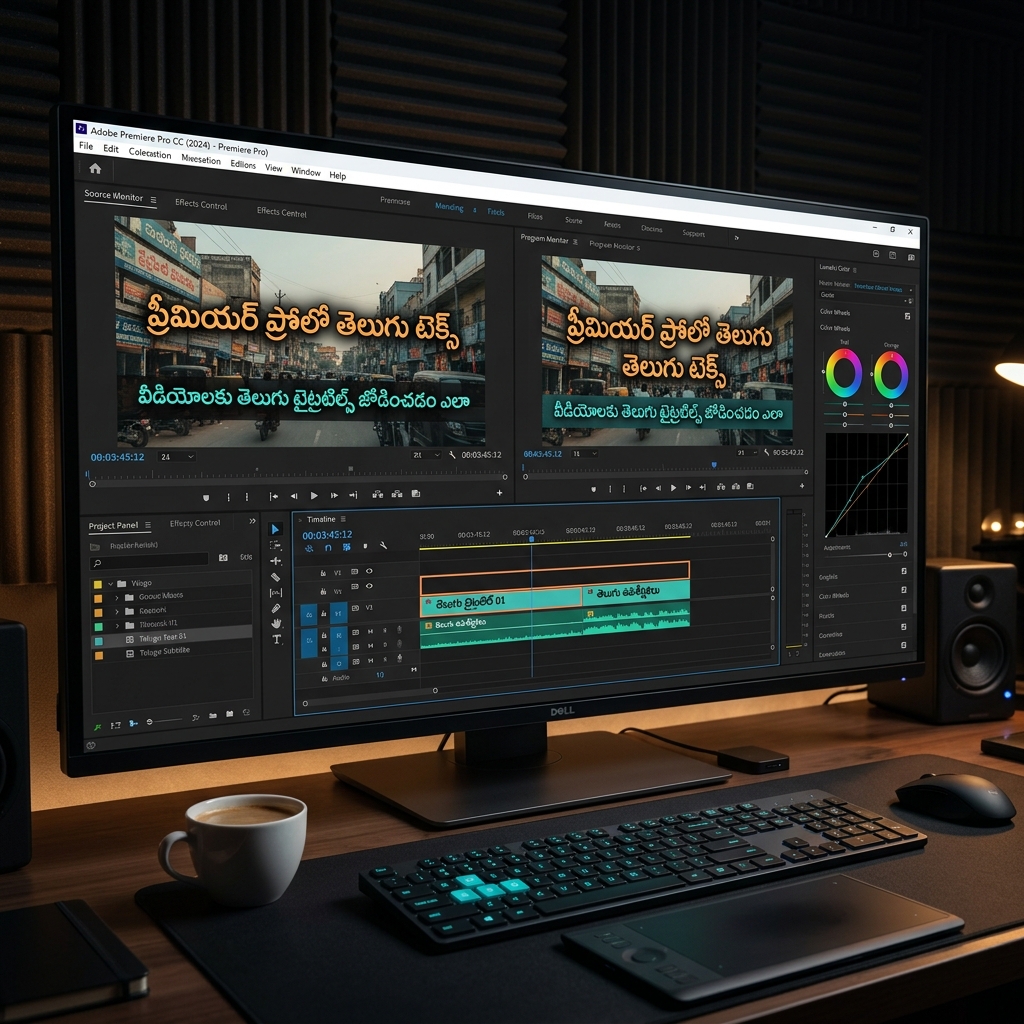
1. The World-Ready Text Engine Setup
Before you even type a single letter, you must configure Premiere Pro to understand complex Indic scripts like Telugu. By default, Premiere Pro often prioritizes Latin text, which breaks Telugu Gunistalu and Vattulu.
- Navigate to Edit > Preferences > Graphics (Windows) or Premiere Pro > Preferences > Graphics (Mac).
- Under the "Text Engine" section, switch the setting from "European and East Asian" to South Asian and Middle Eastern.
- Click OK. Note: In newer versions (CC 2024 and above), this setting is often found under the Essential Graphics Panel directly as a "Text Engine" toggle.
Without this crucial step, combinations like "క్" and "ష" will never fuse properly into "క్ష".
2. Choosing the Right Font: Unicode vs Legacy
Video editors have two main choices when it comes to Telugu fonts.
Modern Unicode Fonts (Recommended for Video)
For most subtitles and modern titles, Unicode fonts are the best choice. Fonts like Noto Sans Telugu, Mandali, Ramabhadra, and Tiro Telugu are free, highly legible on screens, and support direct copy-pasting from Google Translate or WhatsApp.
Legacy Fonts (Anufonts) for Cinematic Posters
If you are creating a very specific vintage title card or matching a print movie poster, you might need an Anu Font. Remember, Anu fonts are non-Unicode. You cannot just paste Telugu Unicode into Premiere Pro and apply an Anu font. You must first use a Unicode to Anu Converter, copy the converted English-character string, paste that into Premiere Pro, and then apply your Anu font.
3. The Essential Graphics Panel Workflow
Forget the old "Legacy Title" tool—it has been deprecated. The Essential Graphics Panel is your best friend for Telugu typography.
- Press T to select the Type Tool and click directly on the Program Monitor to start typing.
- Open the Essential Graphics Panel (Window > Essential Graphics).
- Here you can center your text, adjust the leading (line spacing), and tracking (letter spacing).
- Styling: Add a subtle Drop Shadow or a background rectangle to ensure your Telugu text remains readable regardless of the video playing behind it. Set shadow opacity to 60-80% and soften the edges.
4. Creating Reusable Motion Graphic Templates (MOGRTs)
If you edit episodic content or YouTube videos, do not start from scratch every time. Create a beautiful Telugu lower-third or cinematic title, then in the Essential Graphics Panel, right-click your graphic layer and select Export as Motion Graphics Template. This allows you to drag-and-drop pre-formatted, perfectly-rendered Telugu text blocks into any future project.
5. Importing Transparent Titles from Photoshop
If you are doing heavy typography manipulation (like 3D extrusions, complex clipping masks, or using Anufonts with heavy layer styles), doing it directly in Premiere Pro can be sluggish.
Instead, create your beautiful title in Adobe Photoshop (on a transparent background), and save it as a .PSD file. Import that .PSD directly into Premiere Pro. If you realize there is a spelling mistake, just right-click the file in Premiere Pro, select Edit Original, fix the typo in Photoshop, hit Save, and the video timeline updates instantly.
Conclusion
Adding Telugu text in Premiere Pro is simple once you configure the South Asian text engine and choose the correct font format (Unicode vs Legacy). By mastering the Essential Graphics panel and integrating Photoshop for heavy lifting, you can elevate your video productions to a truly professional cinema-grade standard.
Tagged: Premiere Pro · Video Editing · Telugu Fonts